Your catalog. Perfect consistency.
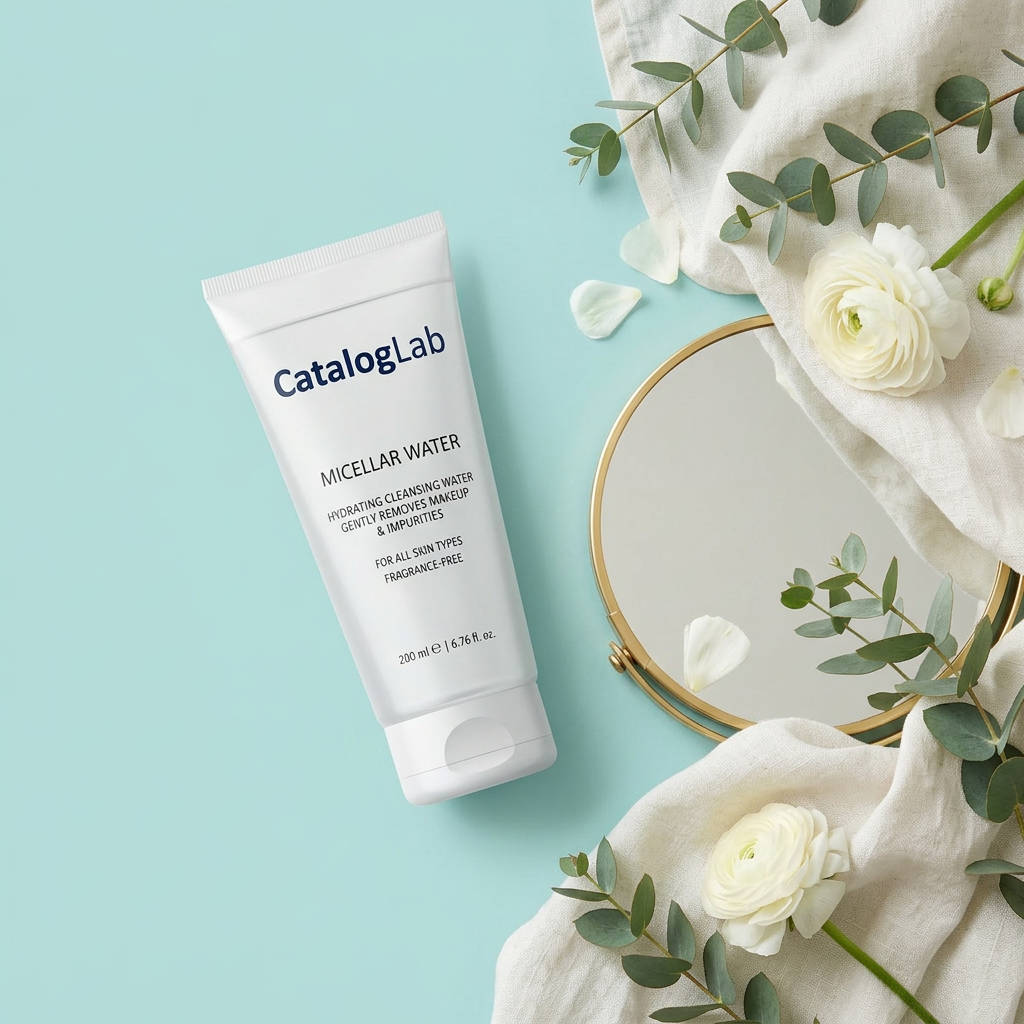
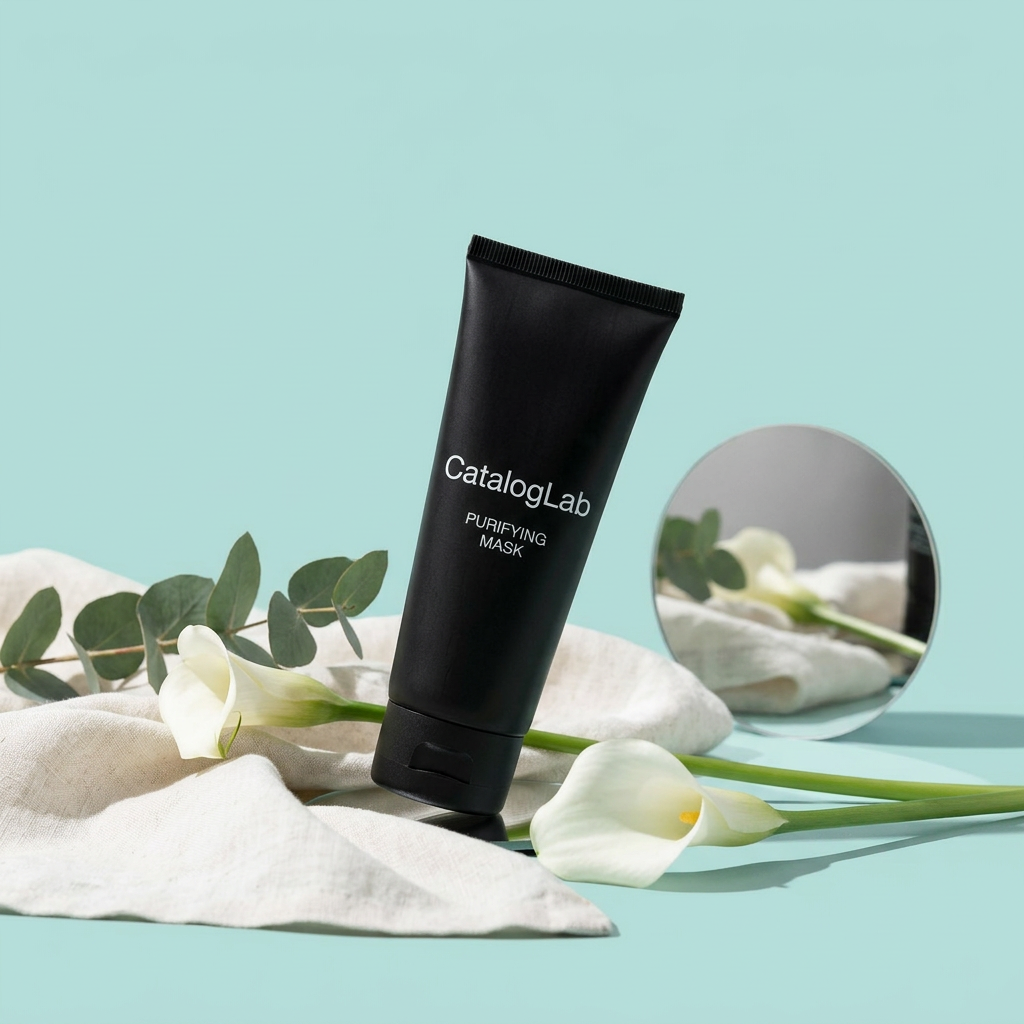
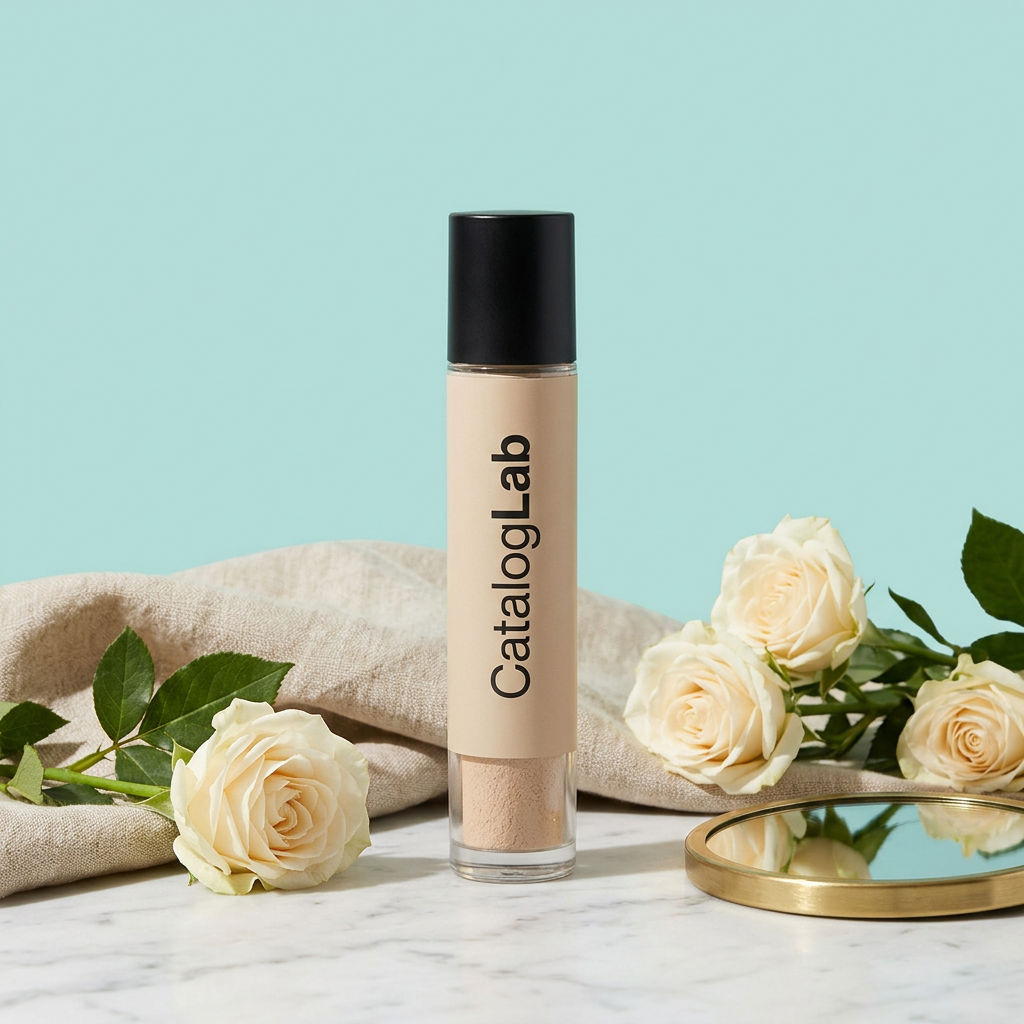
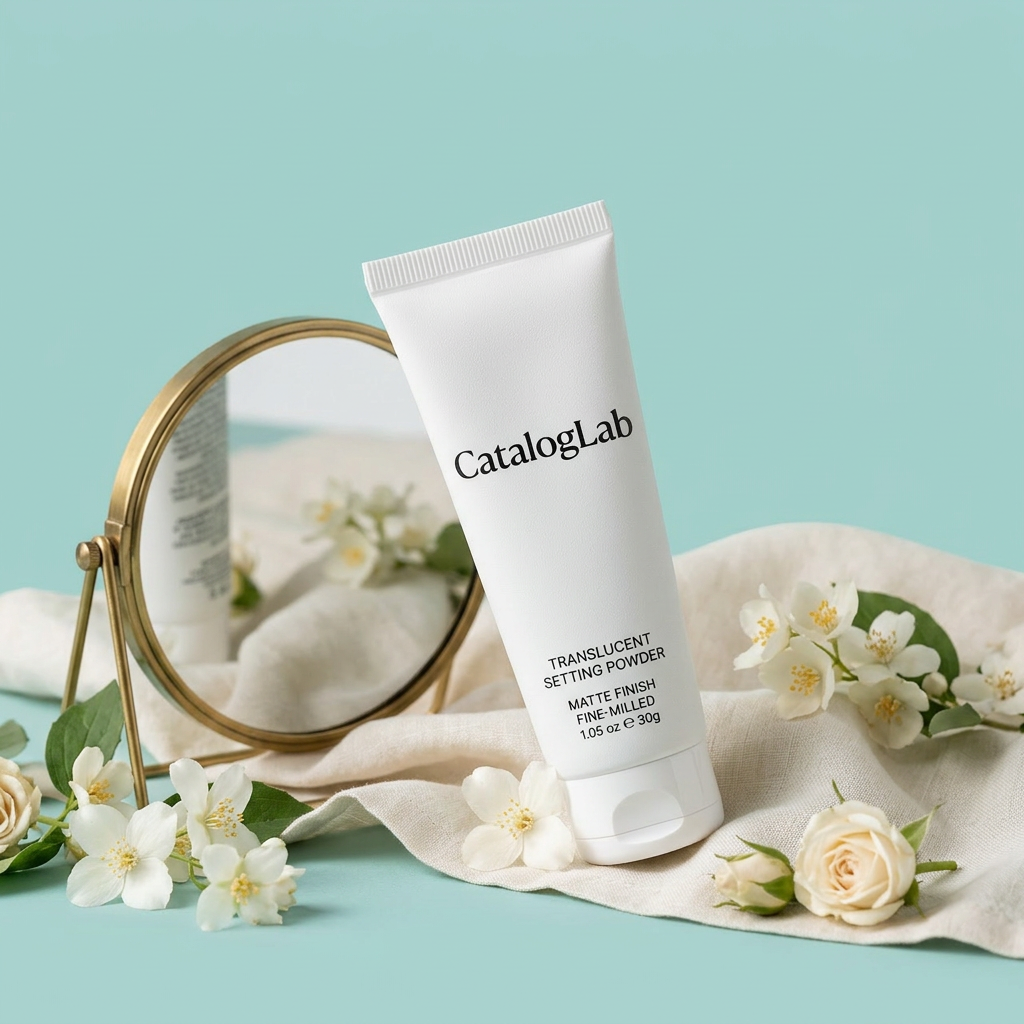
Generate up to 100 product images in one batch with the same lighting, same scene and zero drift. Built for ecommerce production, not inspiration.
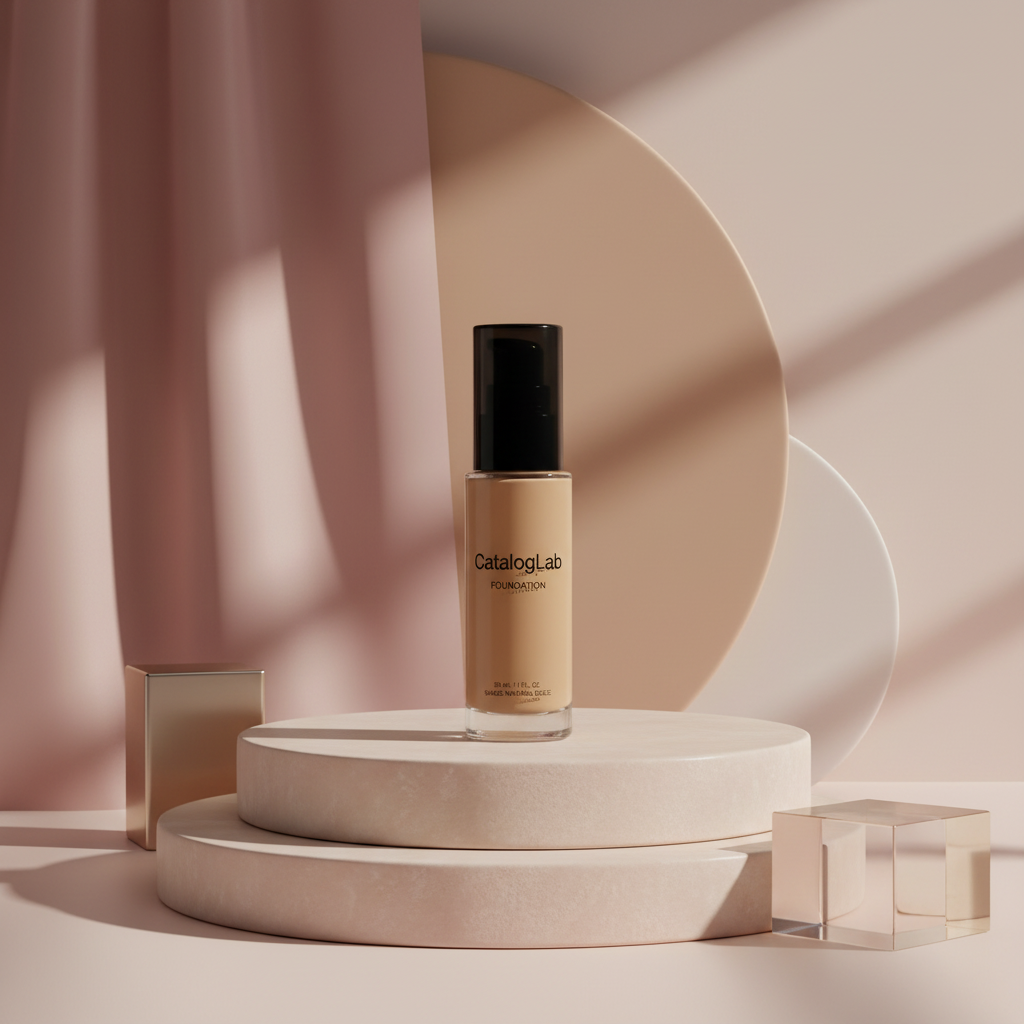
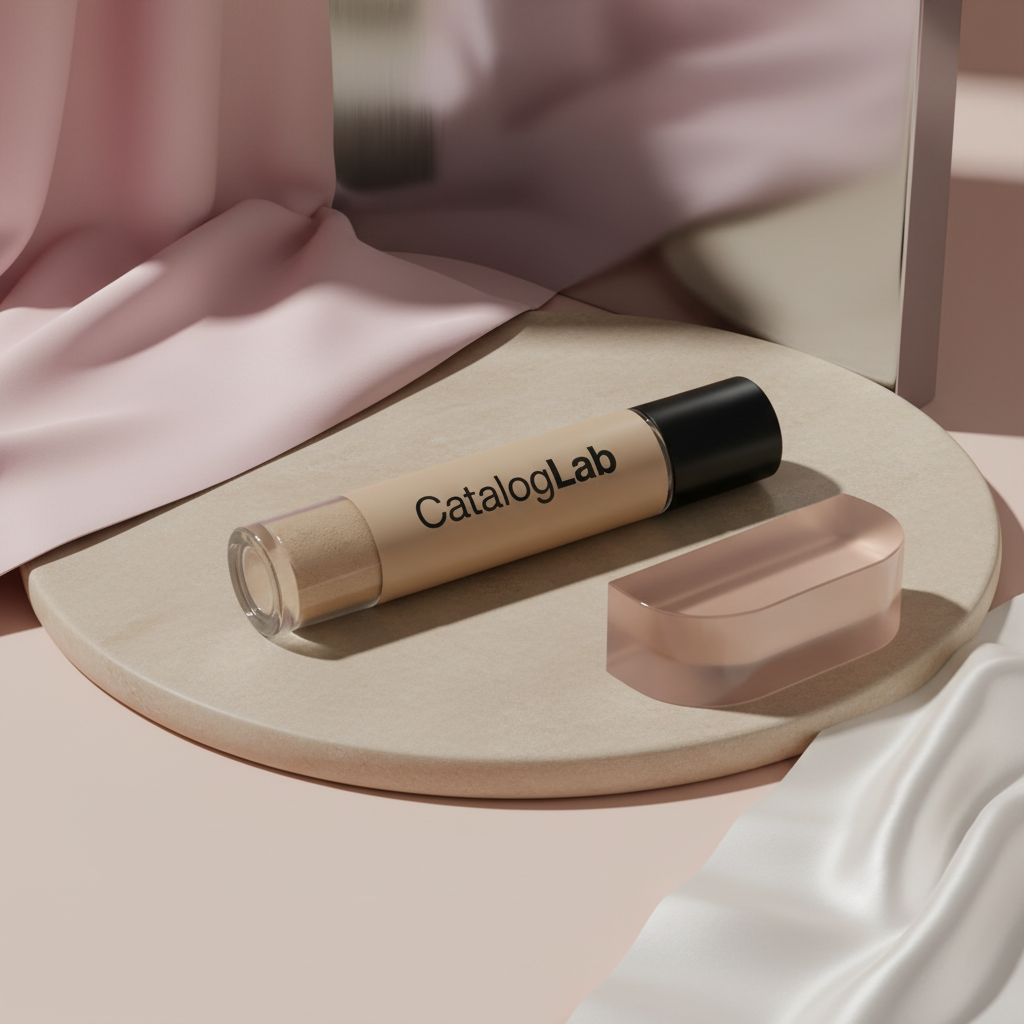
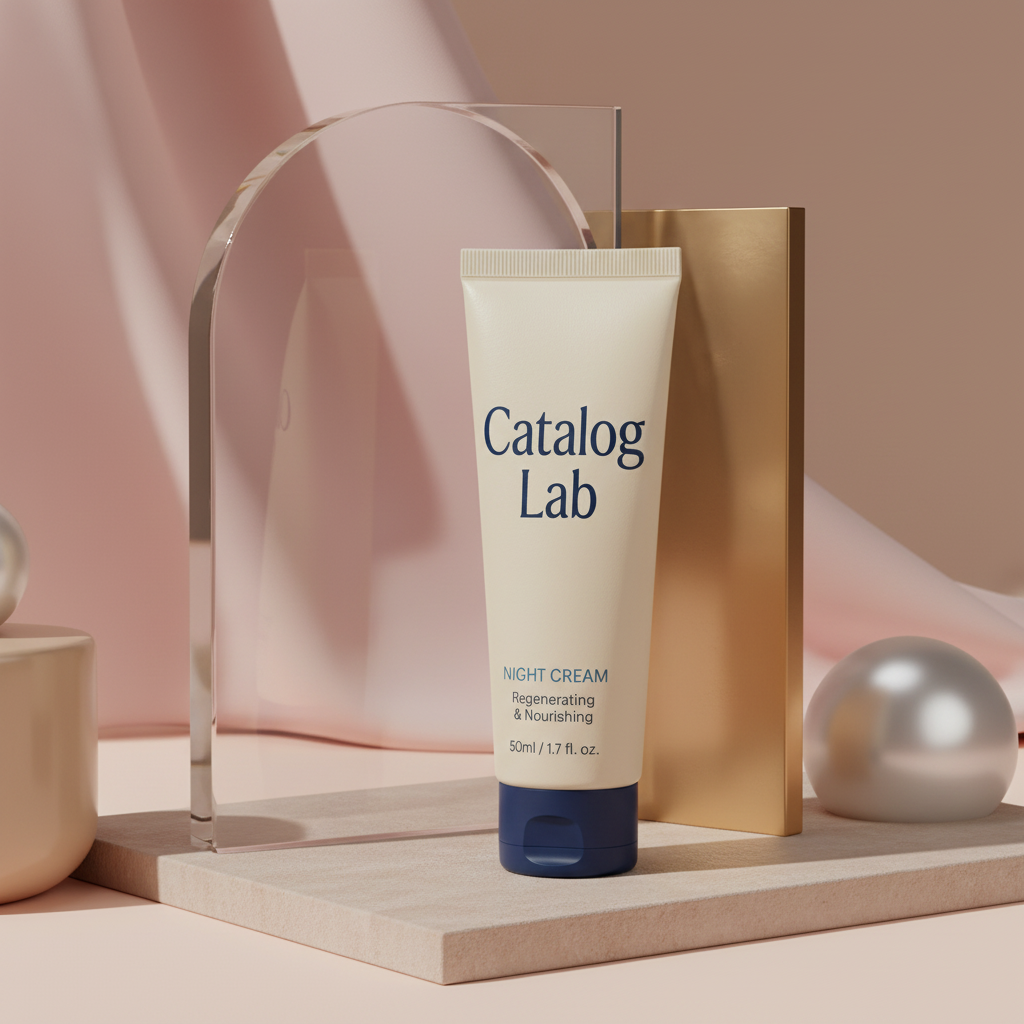
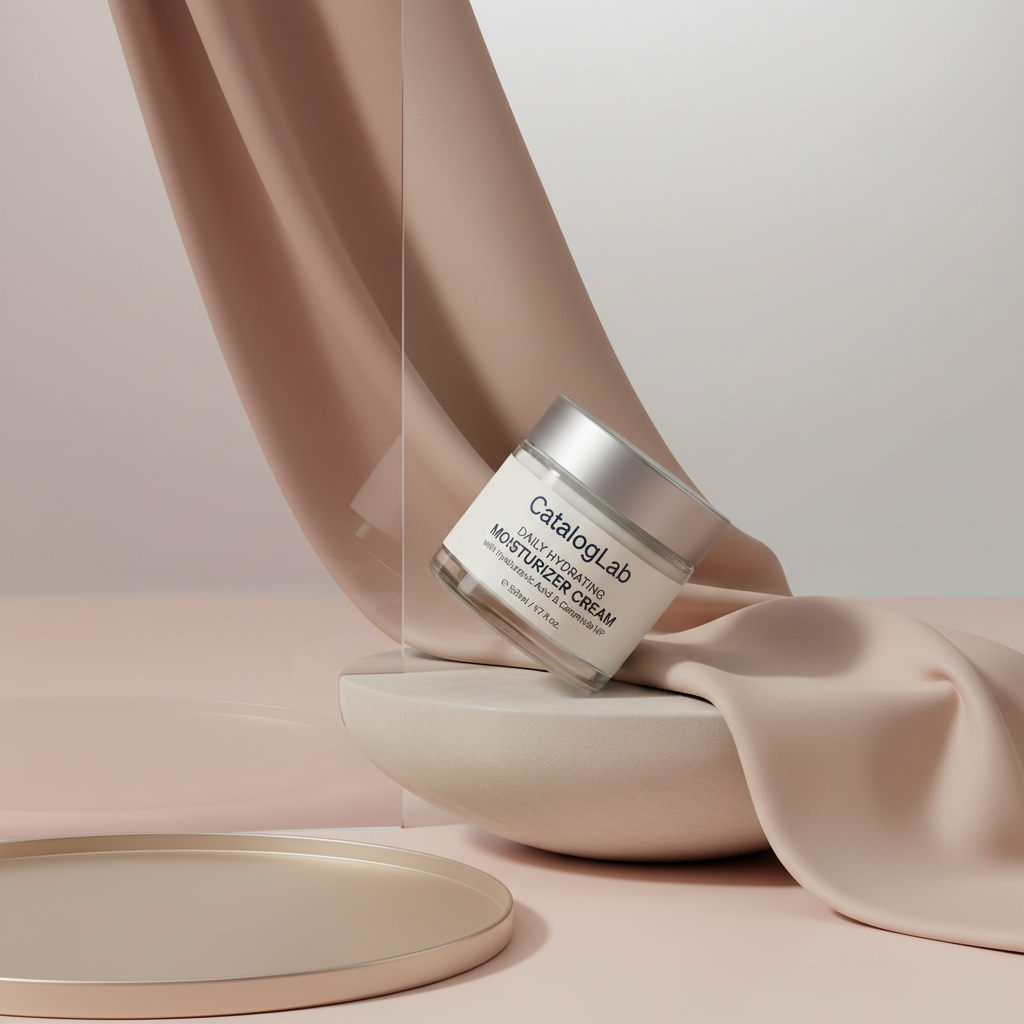
One setup. Your entire catalog.
Configure your visual identity once: lighting, scene, avatar and creative mode. Then generate a catalog without touching a prompt per SKU.
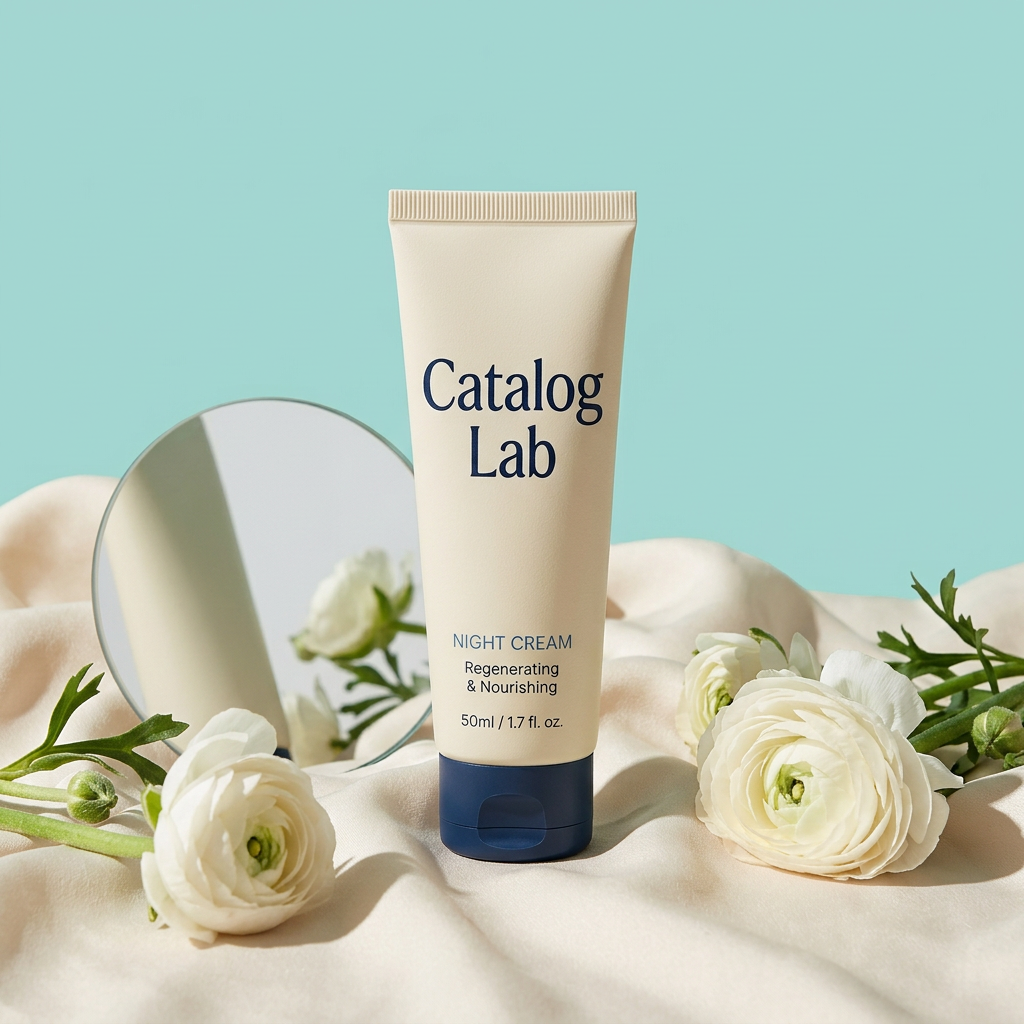
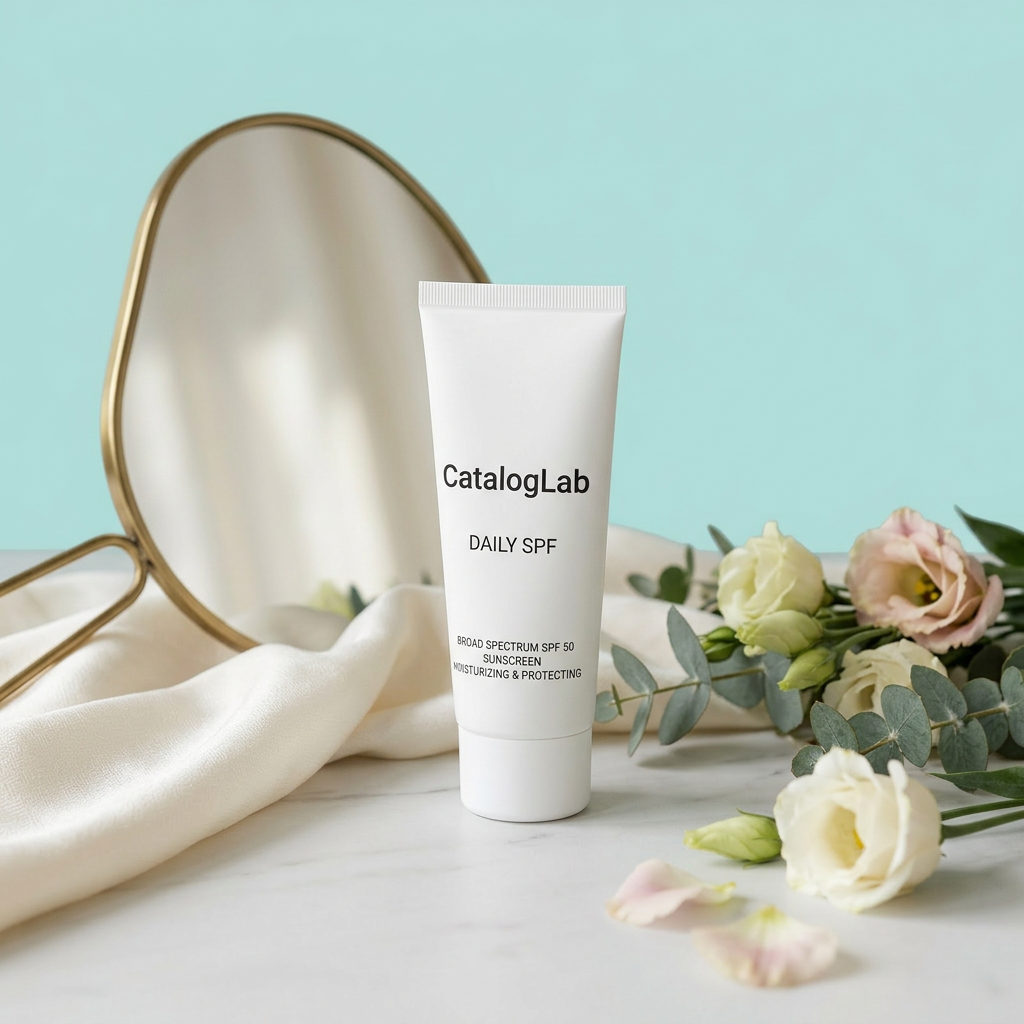
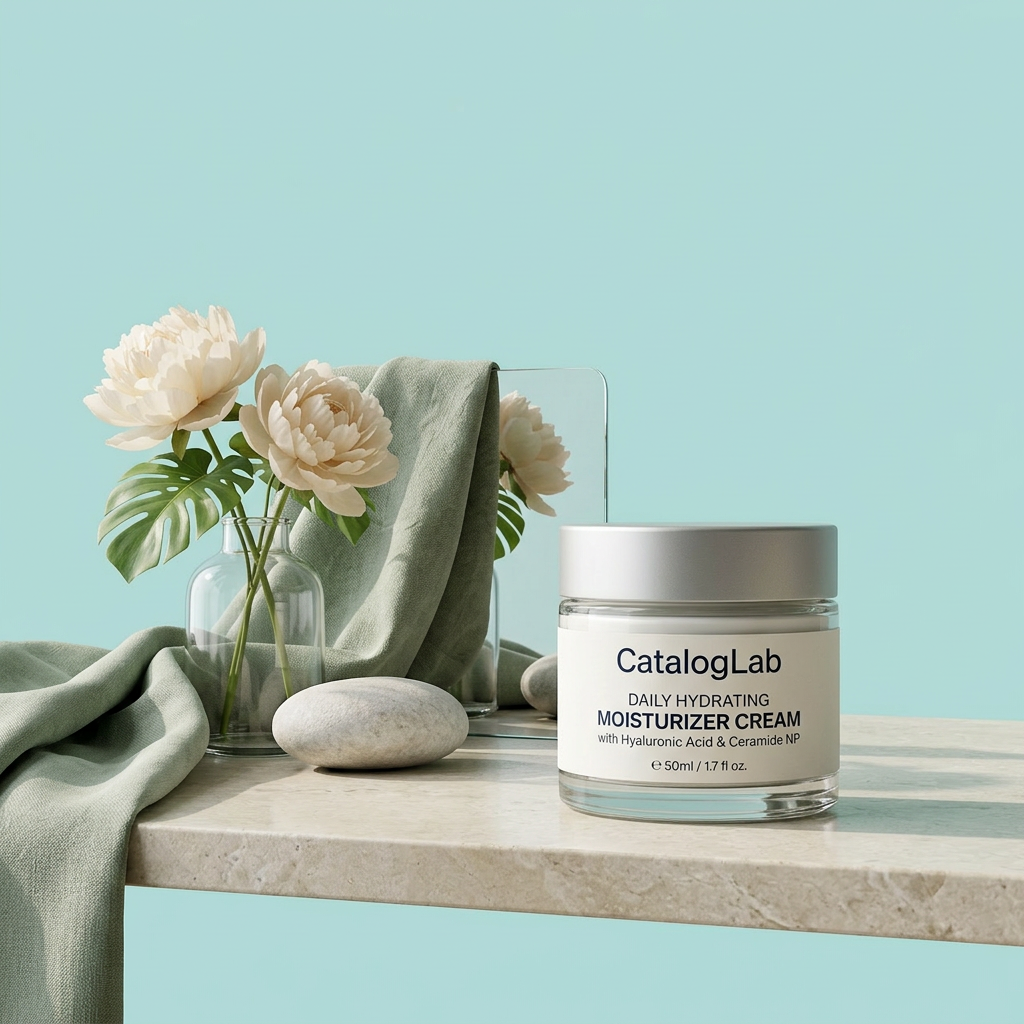
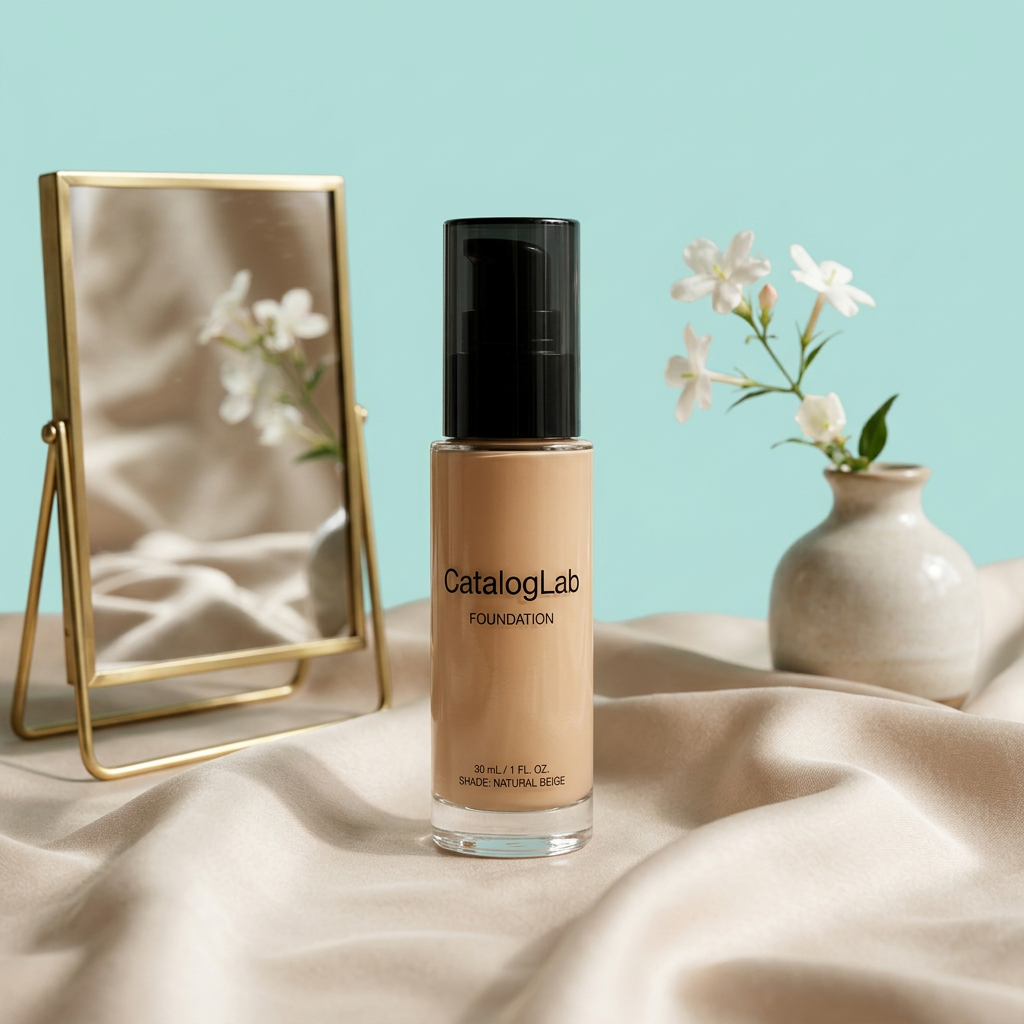
One source image. A full set of new poses.
Upload one strong lookbook image and generate sitting, standing, close-up and editorial variations while keeping the same product, model identity and room mood.
Same outfit · Same visual identity · New poses and crops
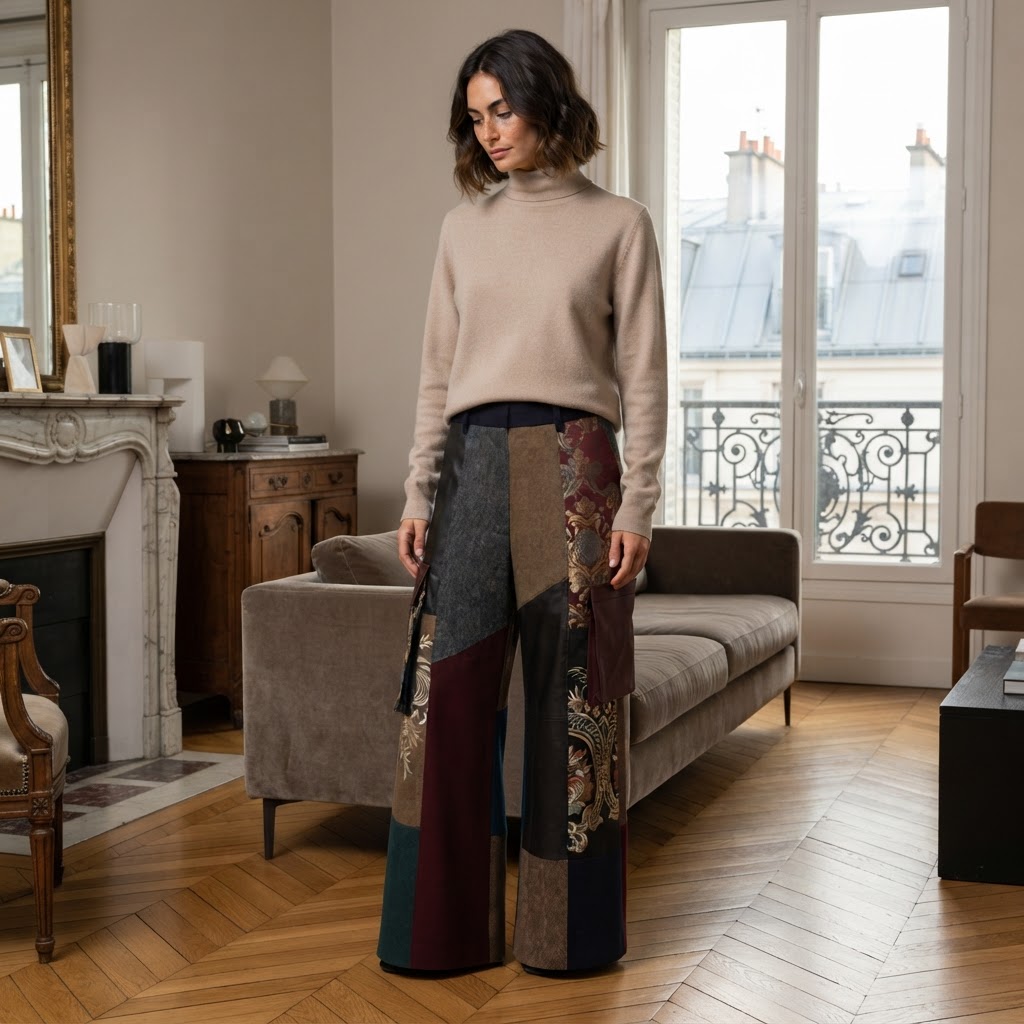
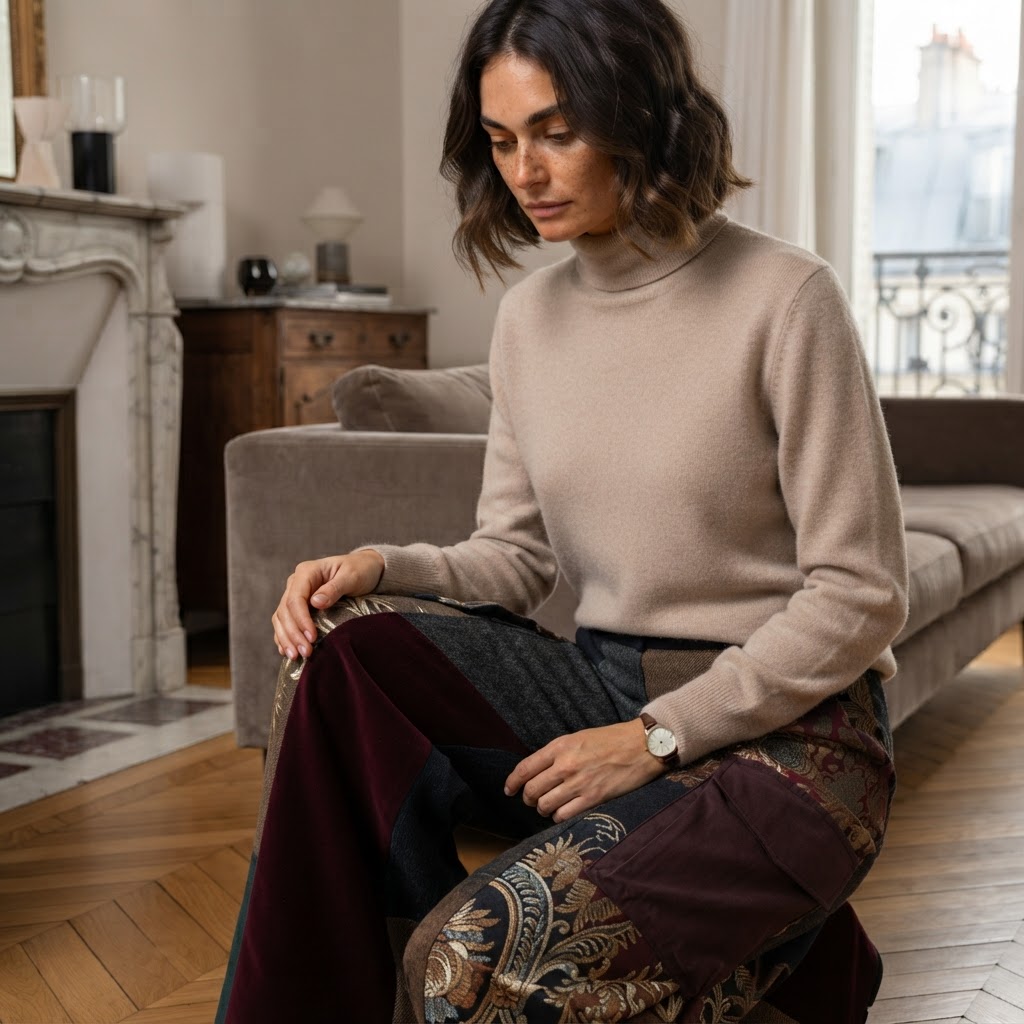
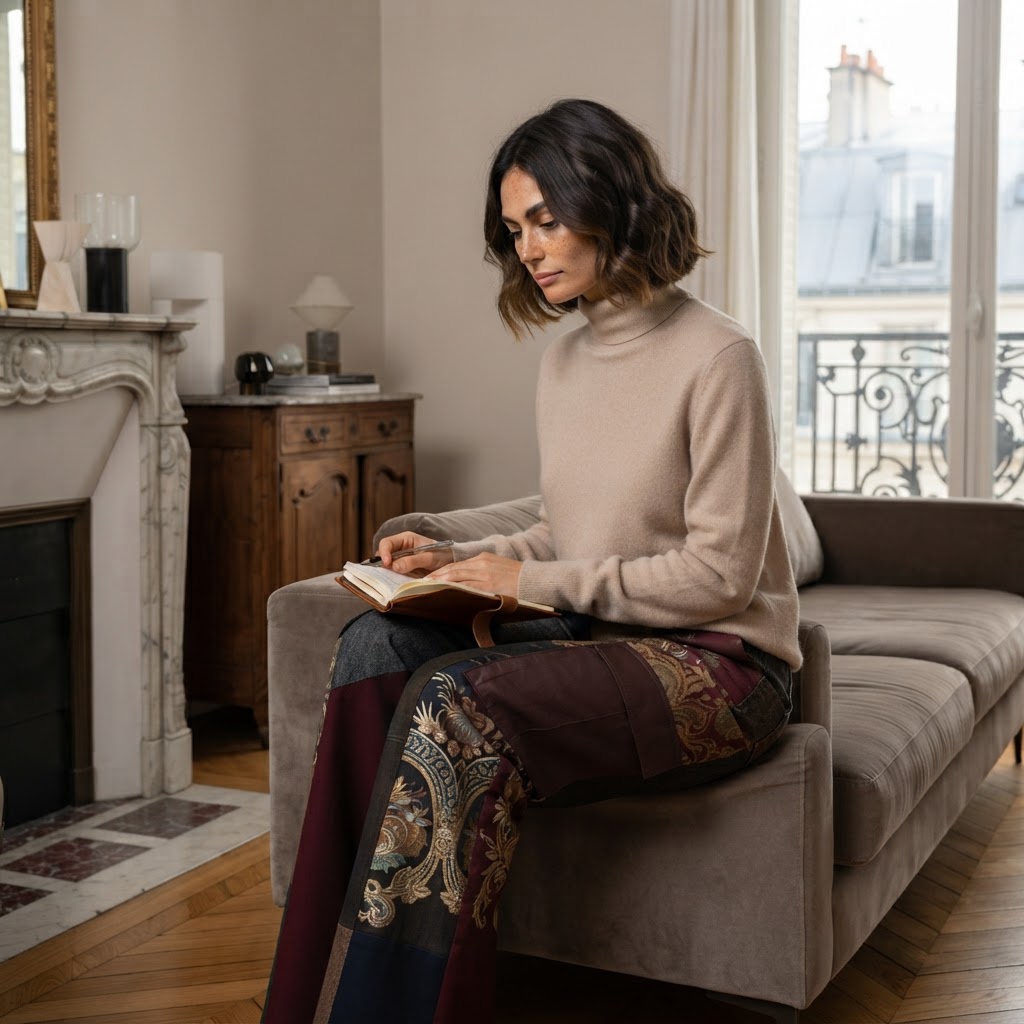
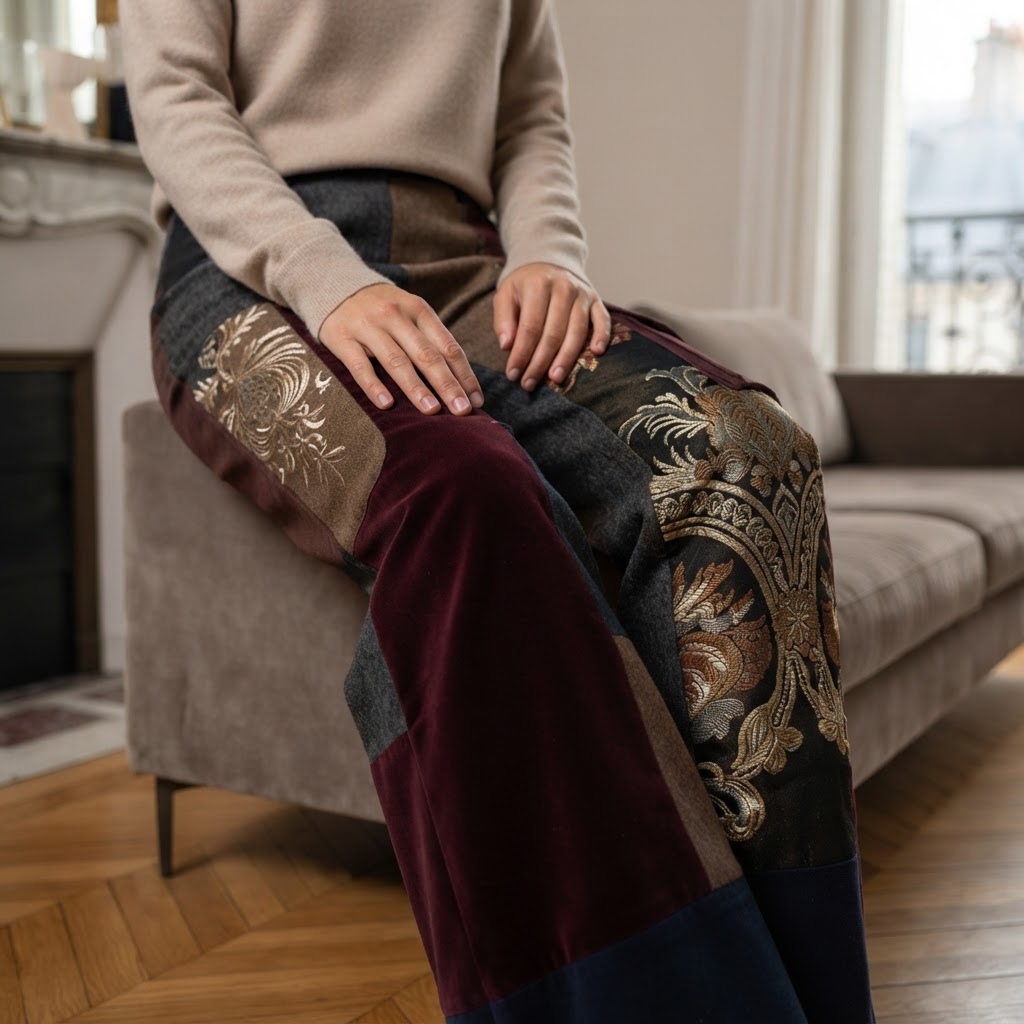
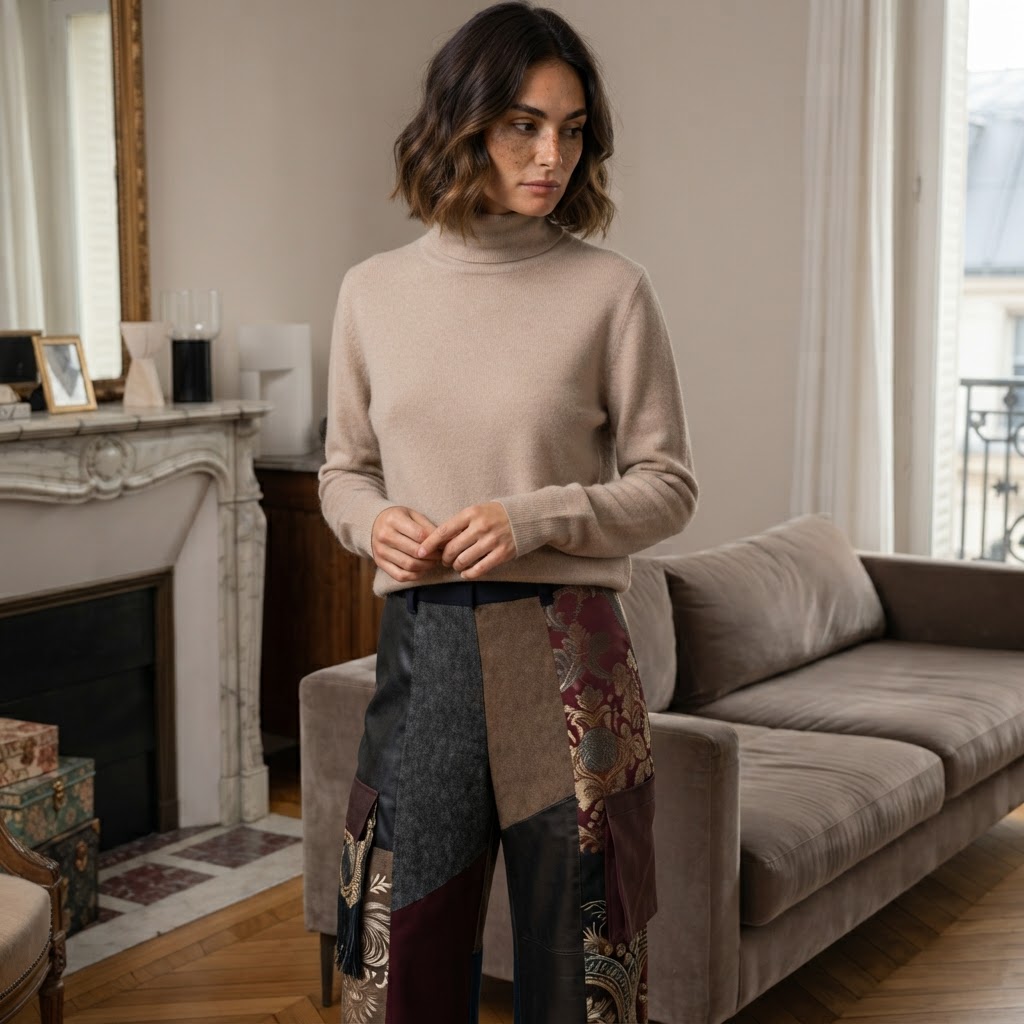
Packshot, Studio, Lookbook, Custom
Choose your visual direction once, then apply it across your entire catalog.
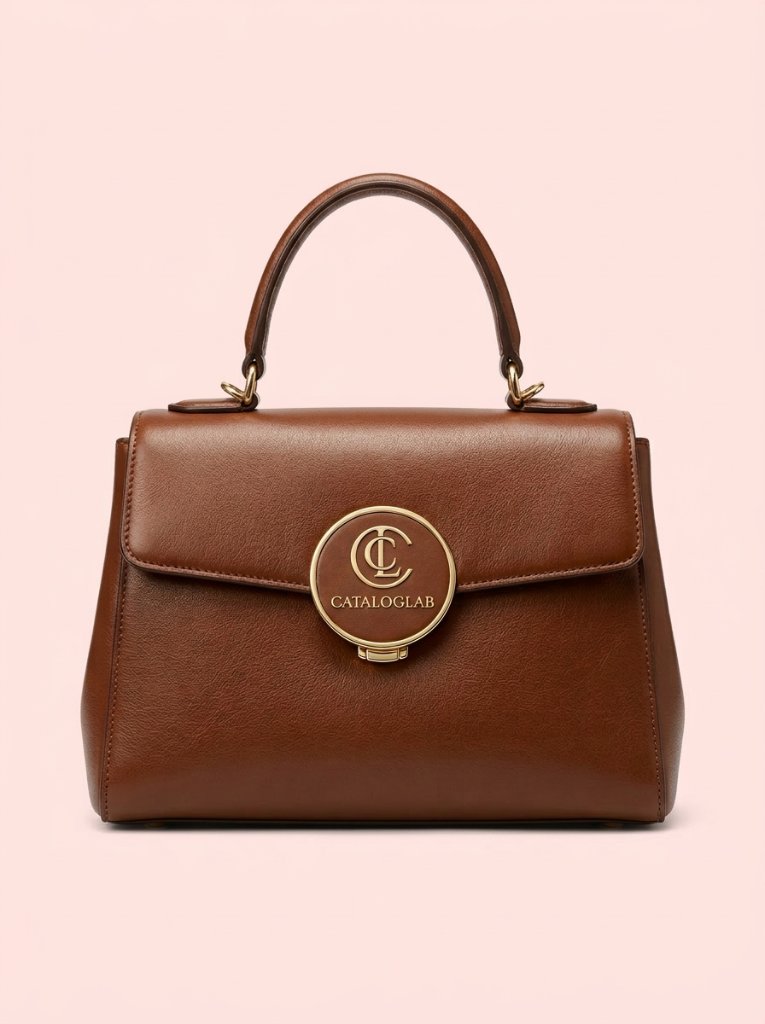
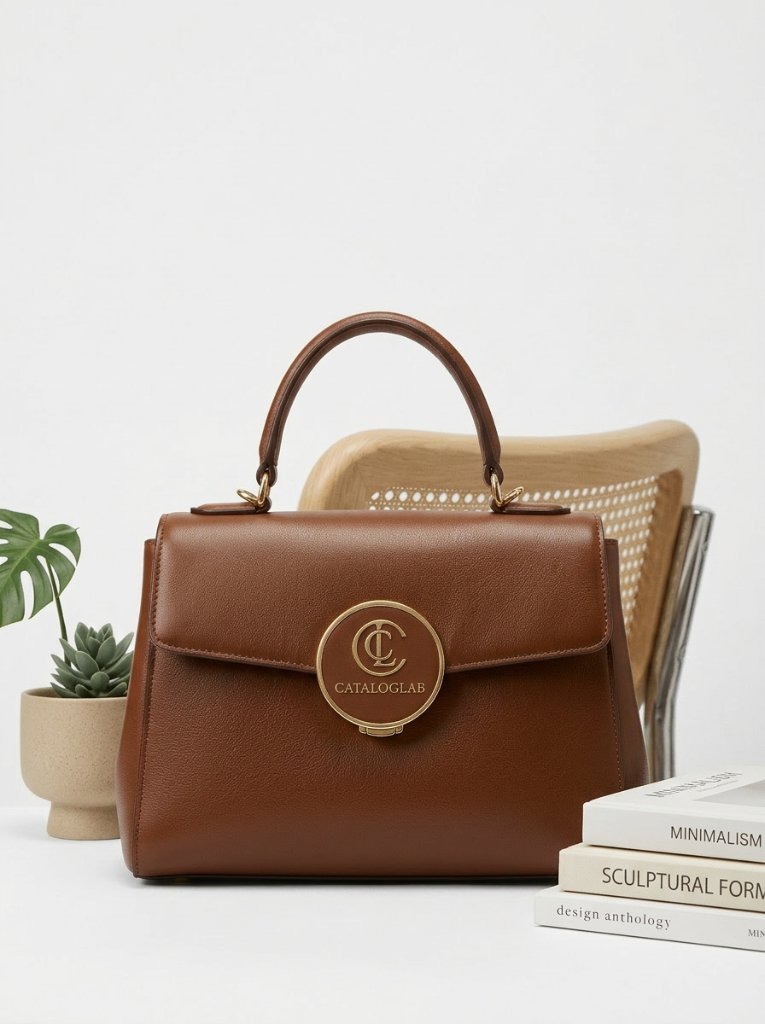
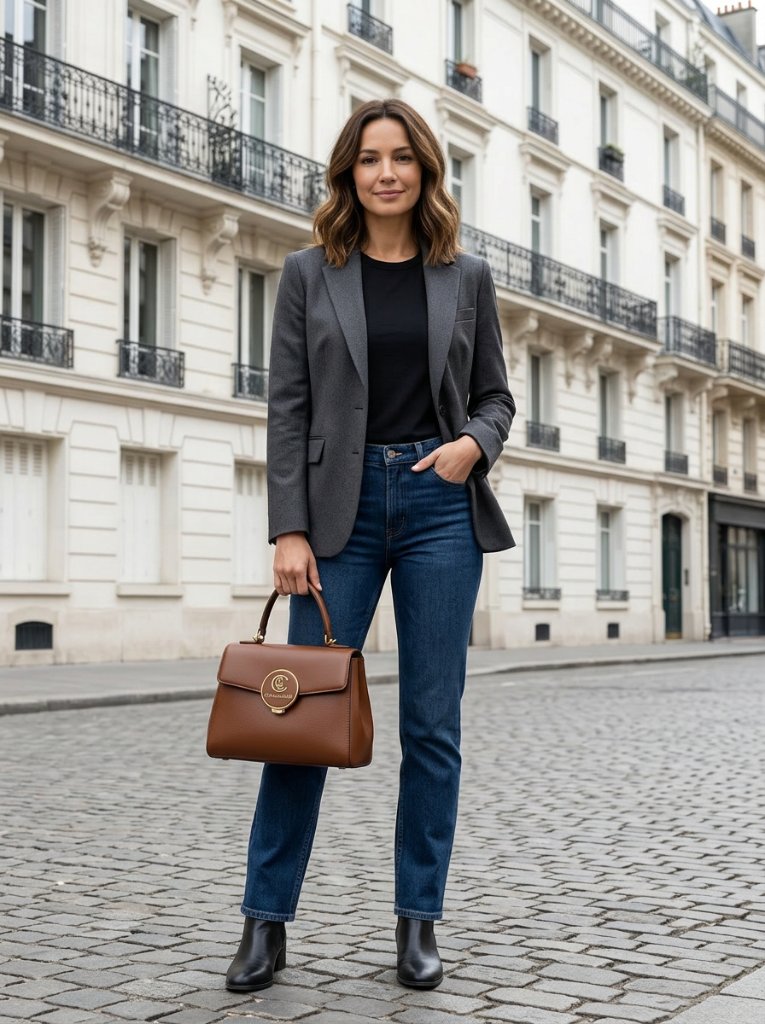

Combine multiple products in one image.
Group tops, bottoms, accessories, cosmetics or home goods into one cohesive visual. Ideal for looks, bundles and campaign compositions.
Fashion · Cosmetics · Accessories · Home goods
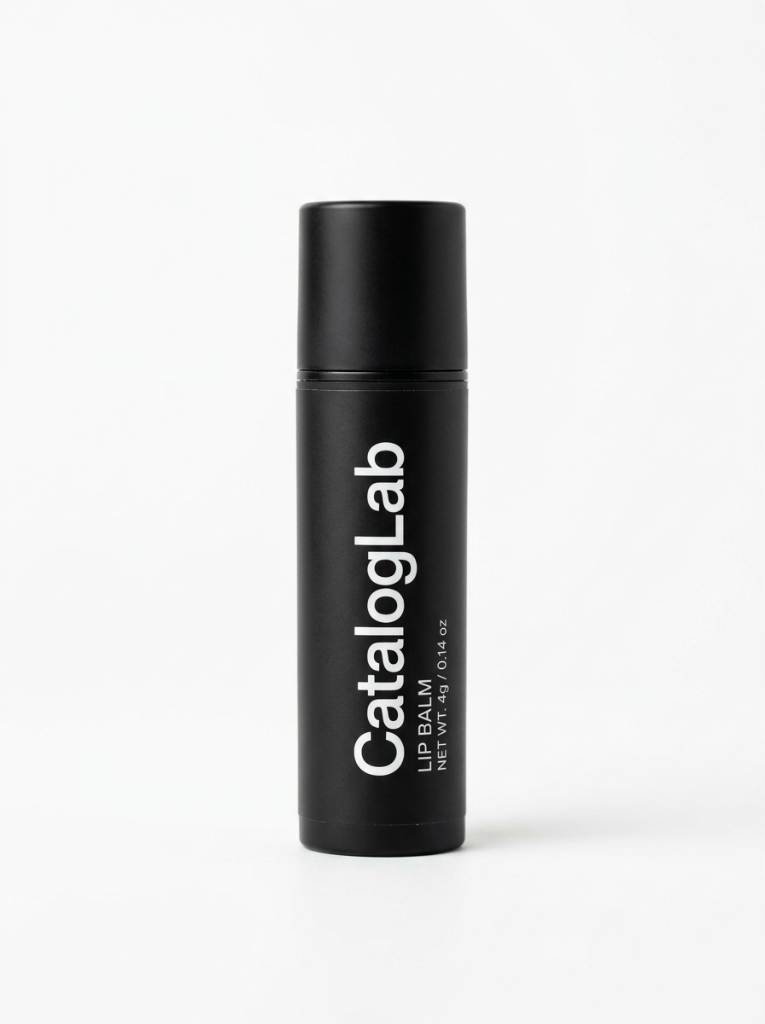
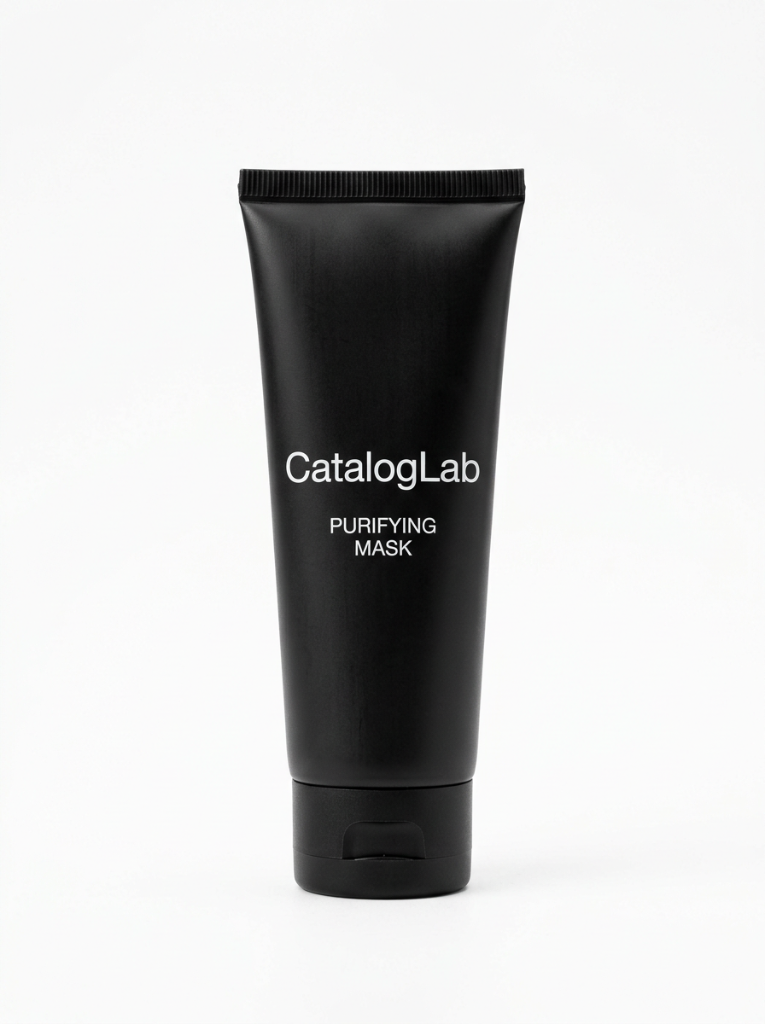
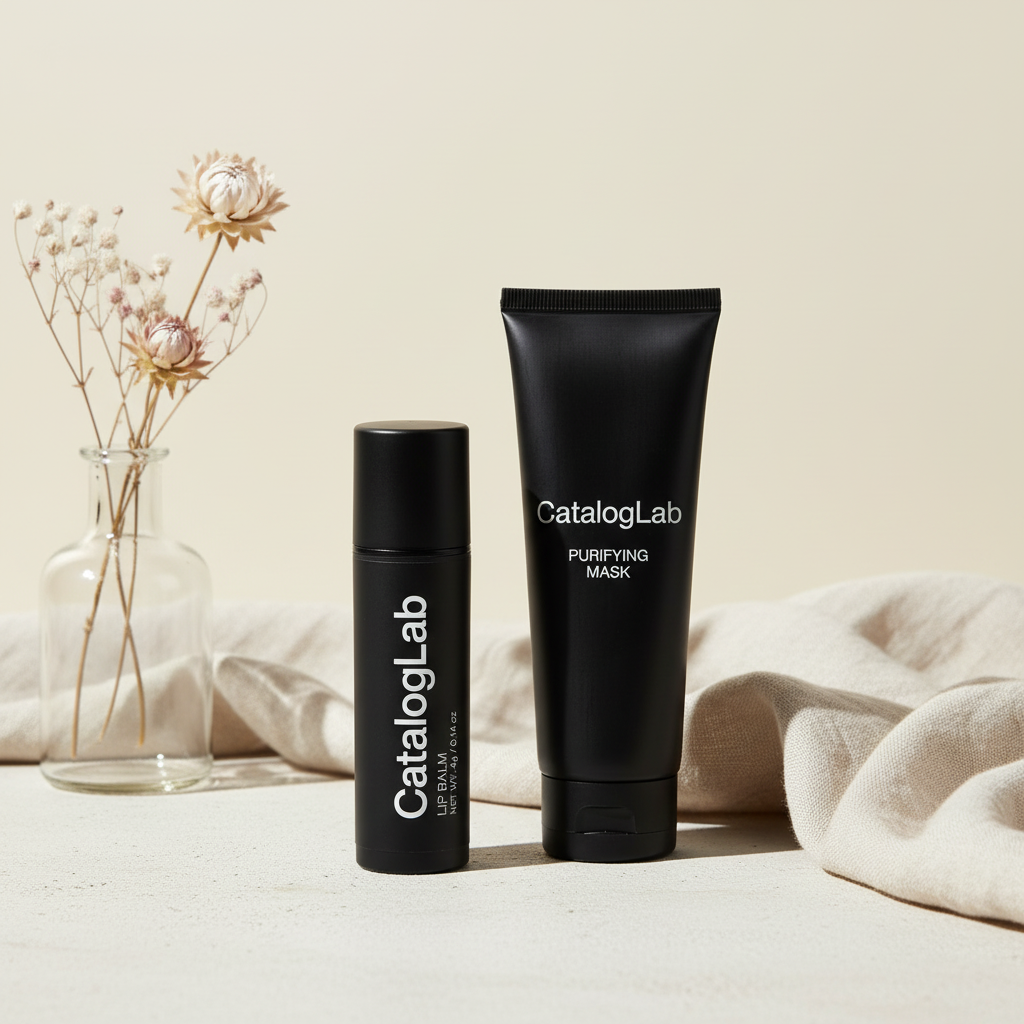
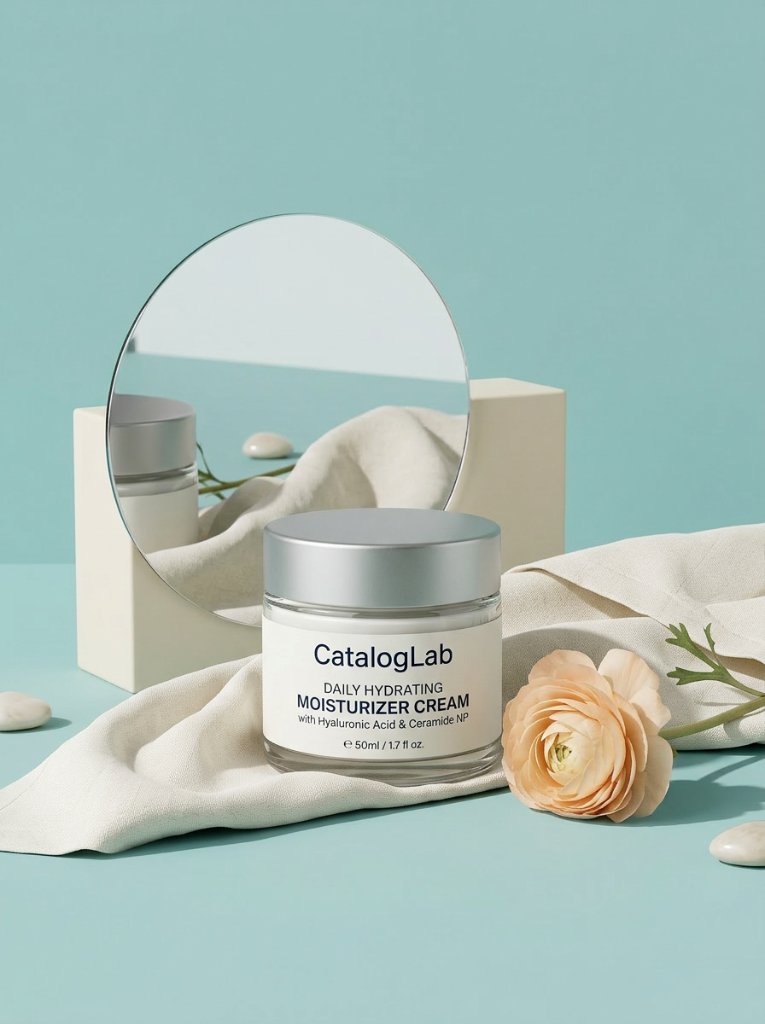
Swap the product. Keep the mood.
Use a reference visual, then replace the product with yours while preserving the composition and creative direction.
Works with Packshot, Studio, Lookbook and Custom modes.
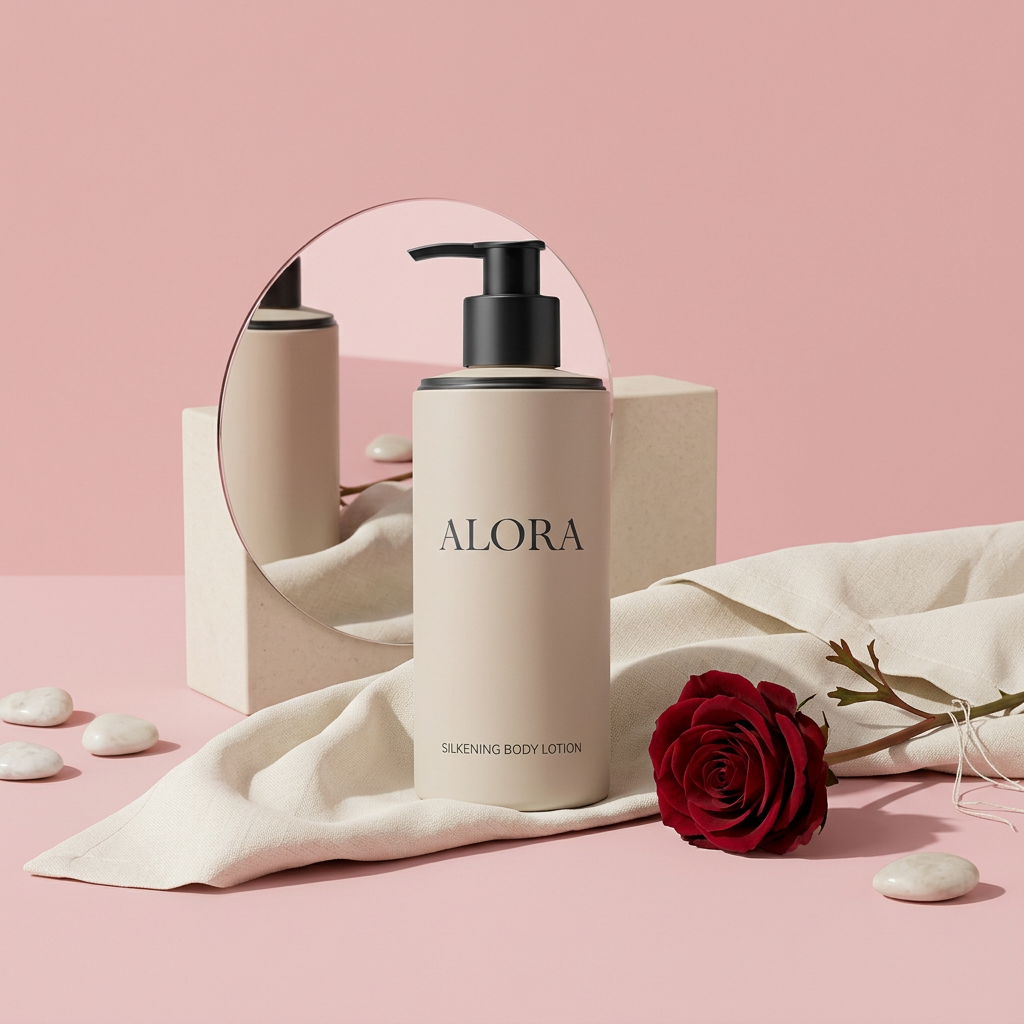
Not perfect? Fix it with a single prompt.
Adjust pose, expression, framing, background or small generation issues without rebuilding your whole batch workflow.
"Make the model look at camera and smile"


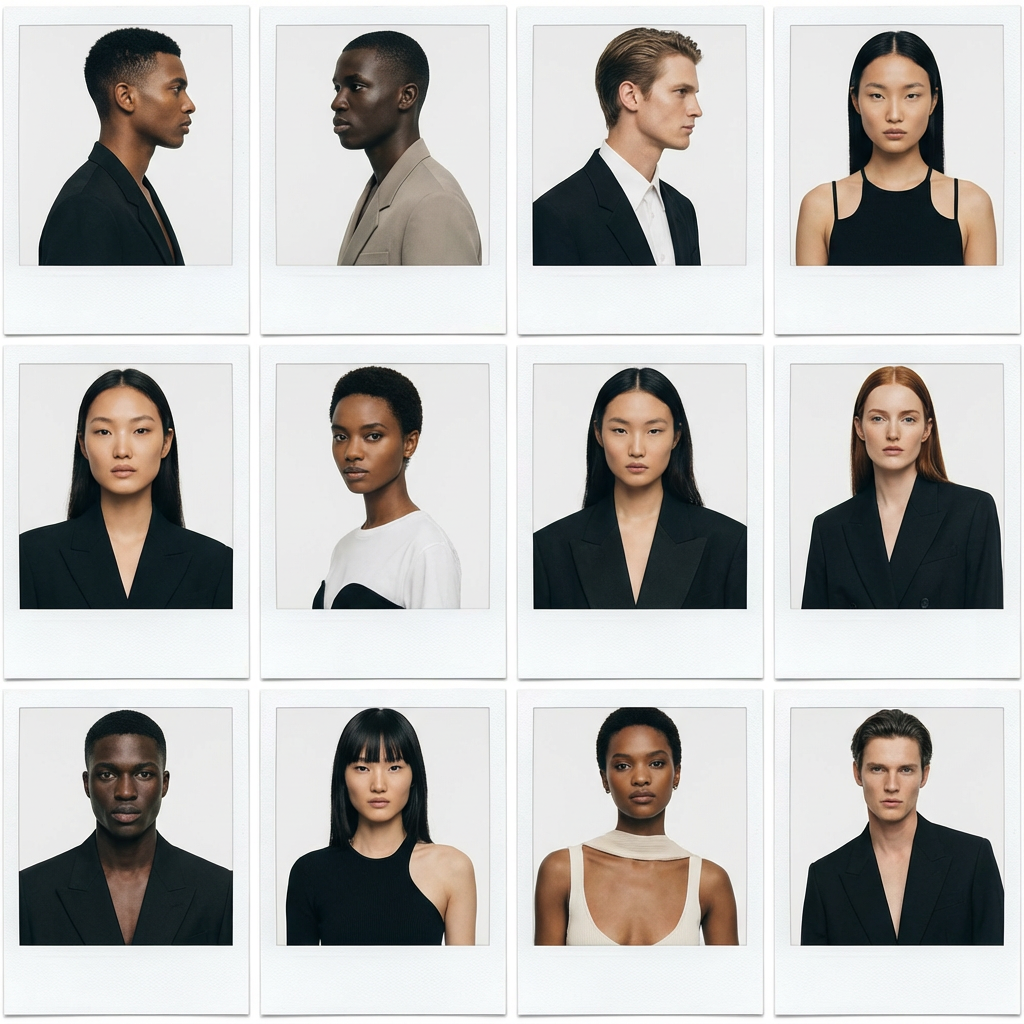
One avatar. One identity. Infinite visuals.
Create a consistent model identity for your brand. Your avatar keeps the same face and character across every generated image.
What people notice first
Short public reactions around the CatalogLab workflow, anonymized and kept separate from customer testimonials.
“Upload once, get a whole matching catalog.”
“Style transfer, but for entire catalogs.”
“Consistent visual scale across product catalogs.”
“Same scene + 100 products = actual production tool.”
Anonymous excerpts from early social mentions. Not paid customer testimonials.
See CatalogLab in action
Watch how CatalogLab turns products into consistent catalog visuals.
Simple pricing.
Start free. Scale when you are ready.
For testing CatalogLab with real products.
For ecommerce brands creating consistent visuals.
For brands producing visuals at scale.
Generate your catalog today.
Start with 5 free images. No credit card required.
We use cookies to improve your experience
We use analytics cookies to understand how you use our site and improve our service. Learn more